
Automate volunteer scheduling
Check Planning Center plans, open positions, availability, blockouts, and conflicts. Review each change or allow selected actions in advance.
AI workflow automation for churches
Nurii is a church operations automation platform that connects Planning Center and your other tools, then runs volunteer coverage checks, weekly reports, ministry follow-up, event reviews, and admin workflows.
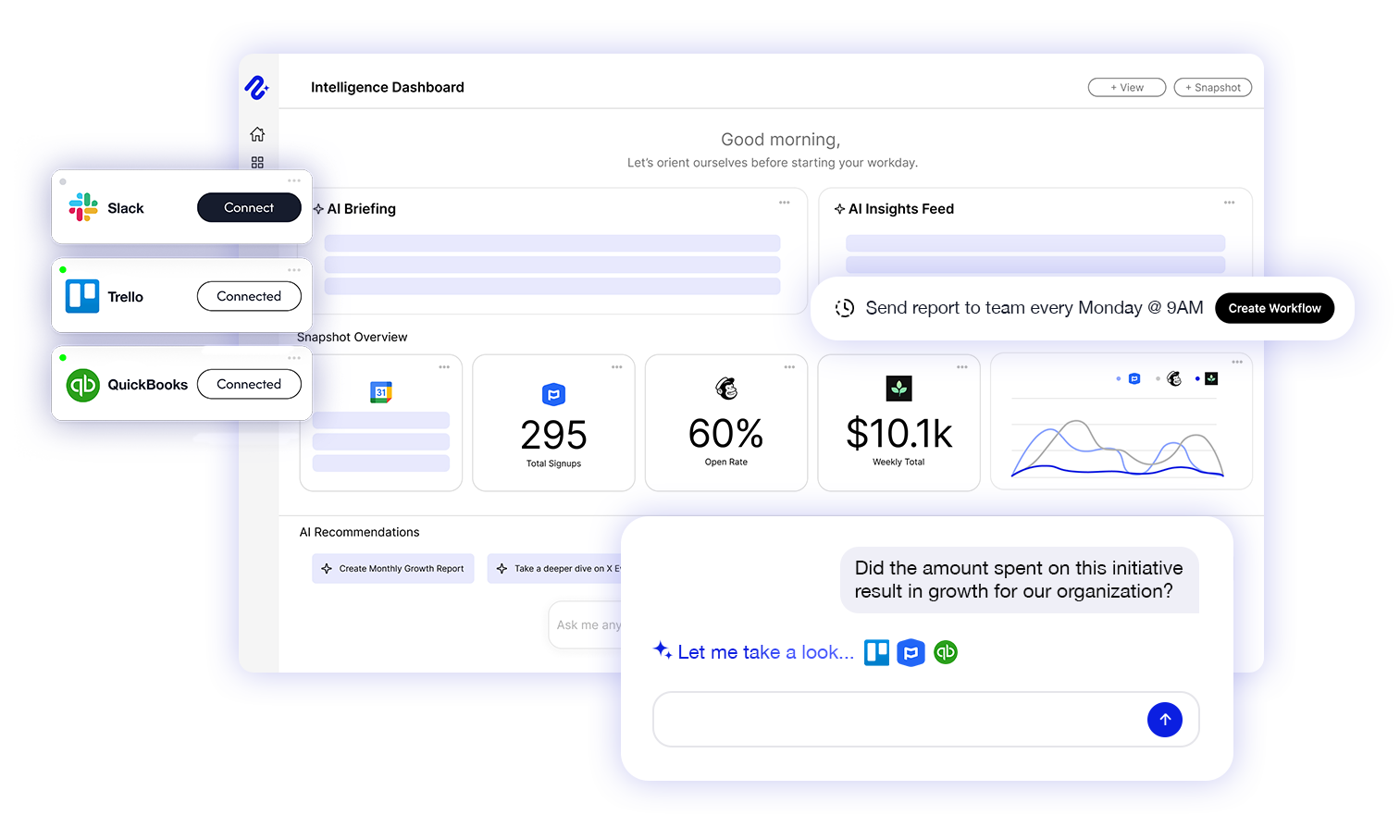
Why Nurii
Automate repetitive coordination, reporting, and follow-up while people retain pastoral care and judgment.
What your church can automate
Start with one repeatable report or check. Expand after staff trust it.
Check Planning Center plans, open positions, availability, blockouts, and conflicts. Review each change or allow selected actions in advance.
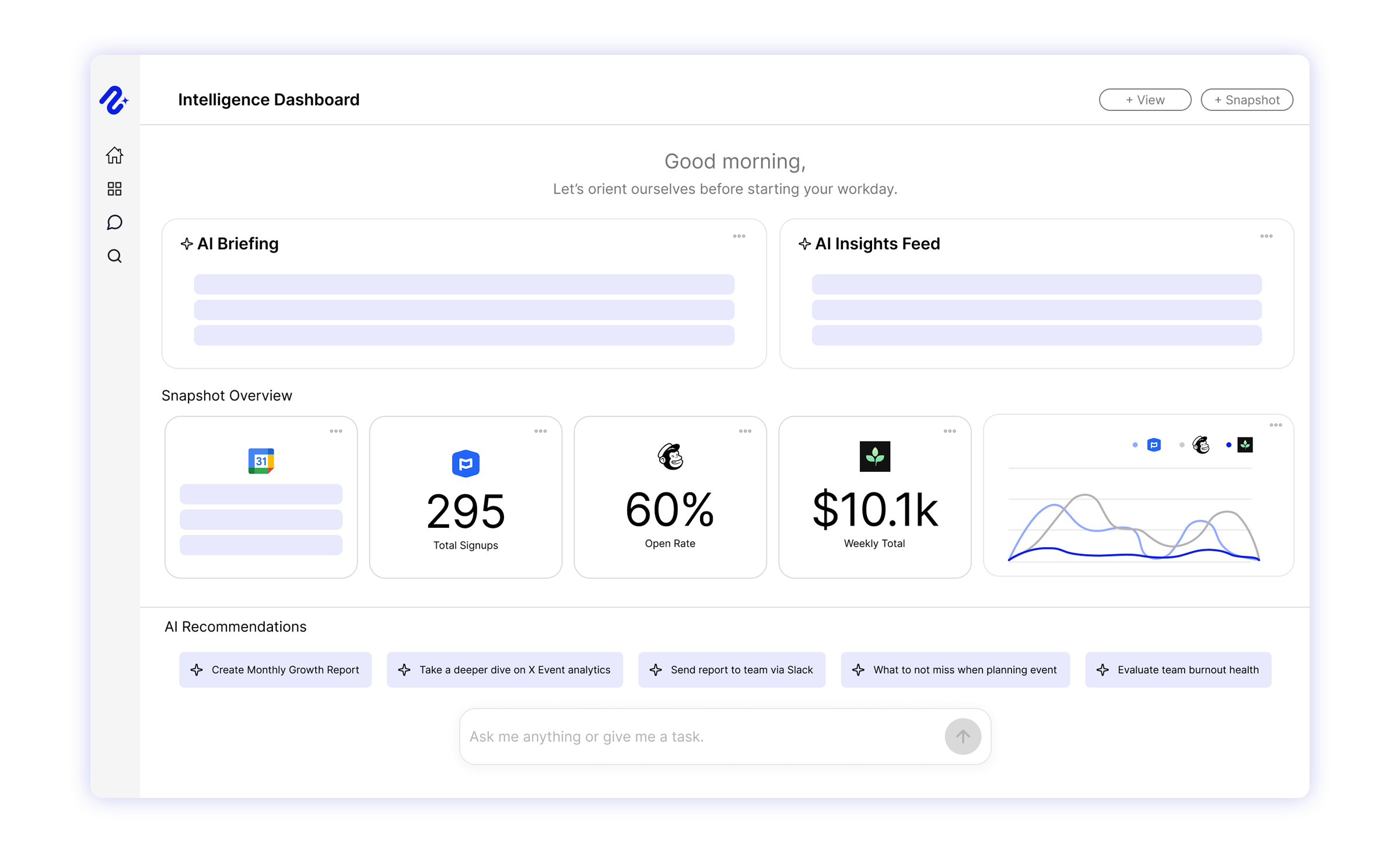
Combine attendance, giving, serving, events, volunteer needs, and follow-up in one recurring brief.
Bring attendance, giving, serving, groups, and follow-up signals into one view. Leaders see changes and decide when to reach out.
One view across your connected apps
Nurii Intelligence Dashboards turn approved church data into shareable views, so leaders see relevant signals without opening every app.
Church operations knowledge in one place
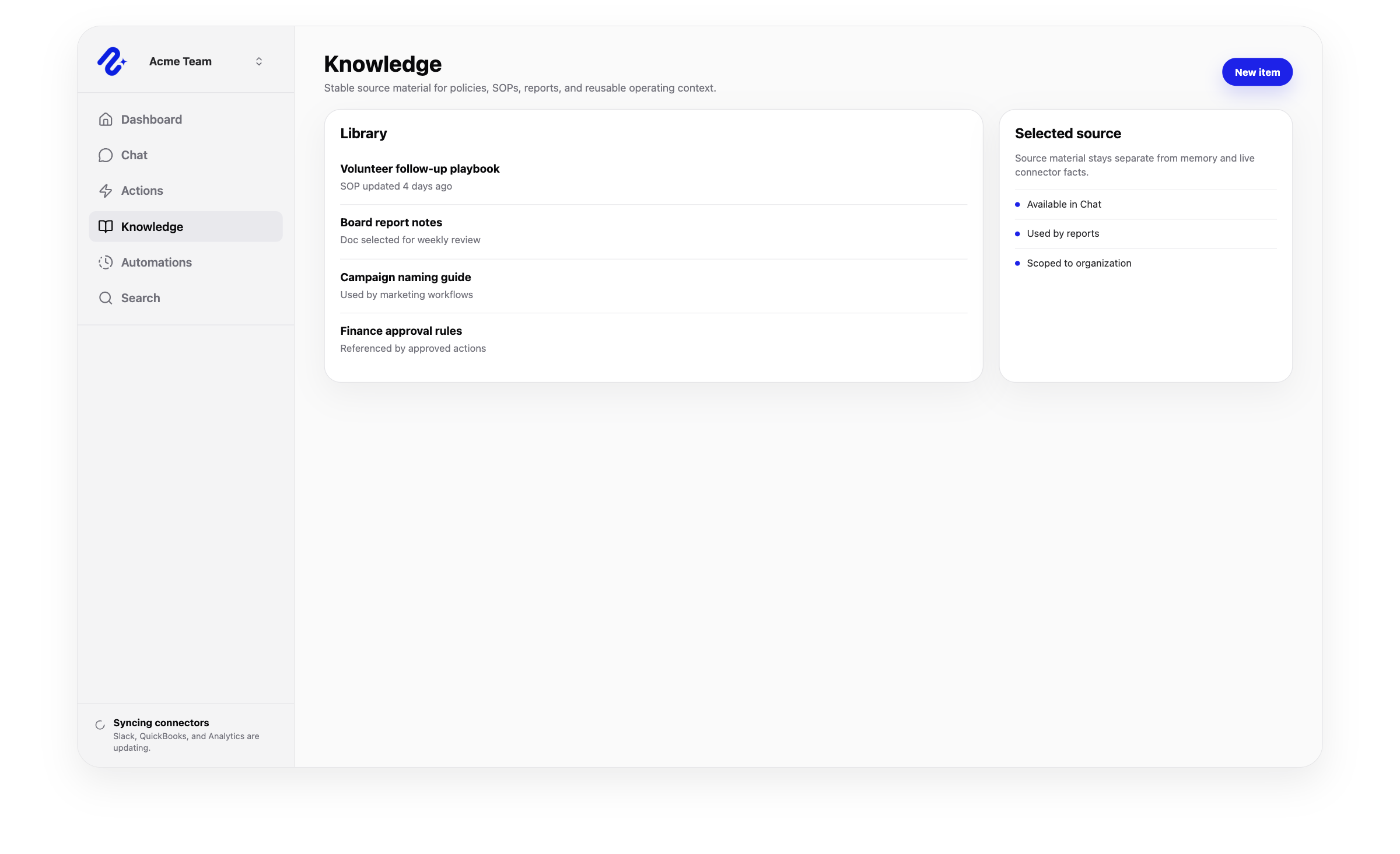
Nurii Knowledge turns approved SOPs, policies, ministry notes, files, and instructions into a searchable church operations wiki.
Your church stack
Keep your systems of record. Nurii connects approved data for cross-system search, reports, monitoring, and automation.
For nonprofits
Nurii connects your existing tools for nonprofit workflow automation across board reports, program updates, volunteer coordination, donor follow-up, and admin work.
Explore nonprofit workflow automationSecurity and privacy
Nurii uses authorized resources, encrypts connector credentials, respects permissions, and keeps actions under your control.
Church operations FAQ
It connects Planning Center and other church systems for recurring reports, checks, monitoring, and reviewable follow-up. Existing systems remain authoritative.
Nurii turns approved church-system data into answers, dashboards, recurring workflows, and reviewable actions.
No. Planning Center and other church tools continue to store source data; Nurii works across them.
Nurii checks plans, positions, availability, blockouts, and conflicts. It does not choose who should serve, but it can make schedule changes your team allows.
Yes. Combine approved ministry signals into a recurring email or Slack brief.
Yes, when an authorized person allows them. Actions are off by default, and some actions always require review.
Yes. Nonprofit workflow automation can span program, donor, volunteer, finance, event, communication, and knowledge systems without replacing them.
Nurii uses scoped connectors, selected resources, encrypted connector credentials, organization and member permissions, and reviewed writes so AI work stays tied to authorized context.
Map your first workflow, sources, and access boundaries.


